Delivery Route Planning Software for Australian Businesses: What to Look For
Drafted with AI assistance, edited and fact-checked by Sean Flannery. See our editorial policy.
Delivery route planning software takes a day's orders, sequences each vehicle's stops around delivery windows, capacity and driver shifts, and re-plans when new jobs arrive. For Australian operators, fewer kilometres matter: the ACCC's weekly fuel price monitoring report shows diesel averaged 276.6 cpl across the five largest cities and 282.6 cpl at more than 190 monitored regional locations on 21 October 2026.
That gap matters if your vans do a metro run in the morning and a country run in the afternoon.
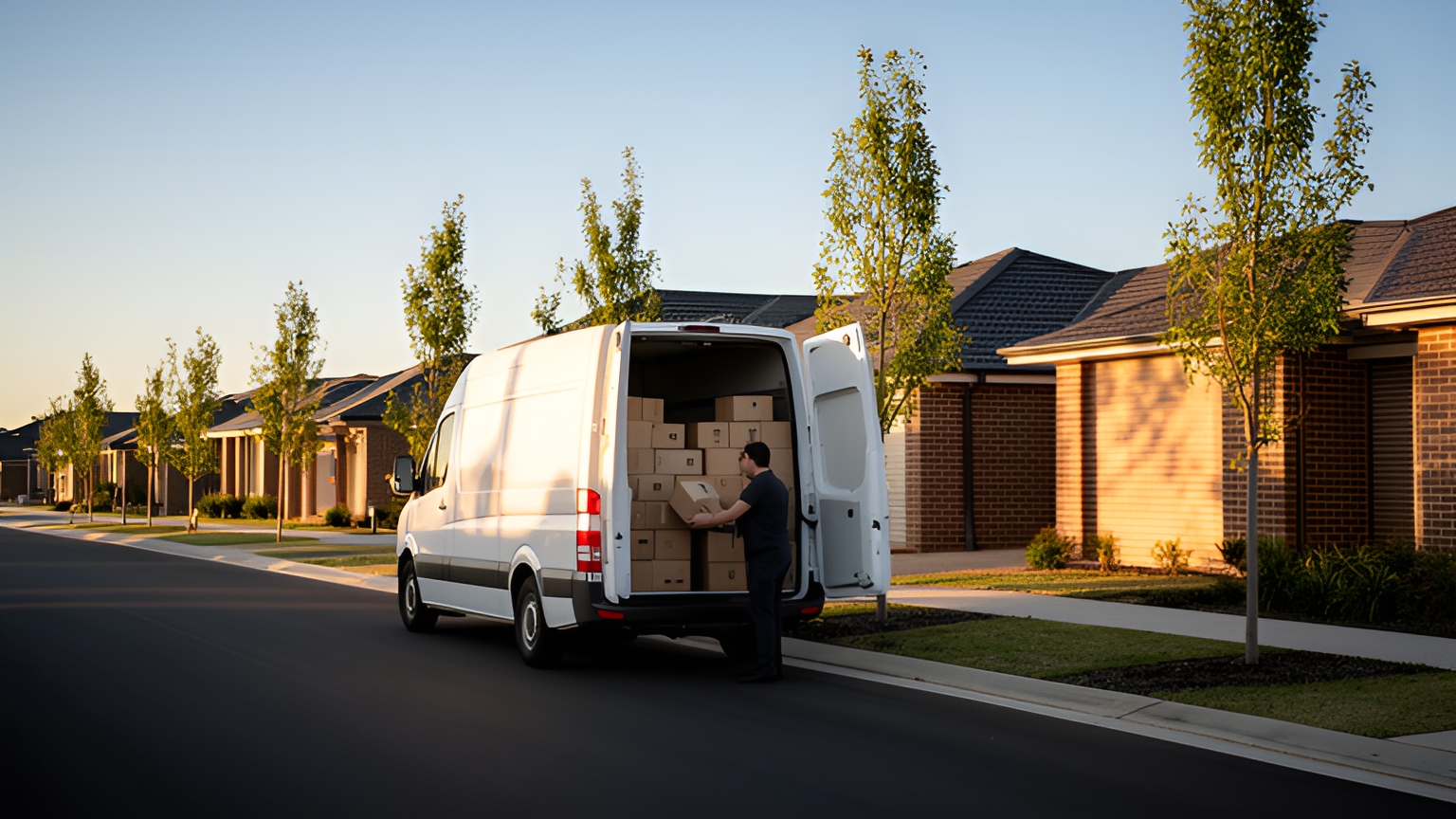
Where the stops sit matters too. New estates on the city fringe, busy inner-city kerbs and towns a long drive apart each ask something different of a plan. Good planning gives drivers a run that makes sense from the first stop to the depot gate, and gives customers an arrival time they can rely on.
How delivery route planning software turns an order list into a day of efficient runs
Every plan starts with the same raw material: a list of orders with addresses, items and any time promises made at checkout.
The software works through that list in order. It places each address on a map, applies the day's rules, sorts stops into runs and sends each run to a driver's phone.
The rules are what make the plan useful. Delivery windows, vehicle types, driver start and finish times and the depot each run leaves from all shape the sequence.
Locate2u brings this into one workflow. Its route optimisation builds runs from delivery locations, time windows and driver availability, with dispatch, live tracking and proof of delivery working alongside once the vans are out.
SuperPharmacy's case study reports that the online pharmacy cut its daily route planning from up to one hour to 10 minutes, an 83% reduction in planning time for that one business's prescription deliveries.
SuperPharmacy has operated online in Australia since 2000 and serves customers nationwide, delivering prescription medications, over-the-counter products and health essentials to their doors.
Planning had been a manual job each day. When a new urgent prescription came in or a delivery needed rescheduling, the route had to be generated again from scratch.
With Locate2u, routes are generated automatically from delivery locations, time windows and driver availability. New prescriptions can be slotted into existing routes during the day without disrupting other deliveries, which helped the team offer same-day prescription delivery as a core service.
In SuperPharmacy's words: "Before Locate2u, we had to generate new routes if we wanted to change anything. Now we can adjust the day's deliveries on the fly."
To see where your own planning time goes, time tomorrow's plan by hand, then build the same orders in software and compare. This guide on how route optimisation software saves planning hours walks through where that time comes from.
What shorter routes are worth at October 2026 diesel prices, worked through per van
Fuel rises with every kilometre a van travels, so it's a clear place to start when sizing up what a tighter route is worth.
The ACCC's report of 23 October 2026 puts average retail diesel at 276.6 cpl across the five largest cities on 21 October, and at 282.6 cpl across more than 190 monitored regional locations.
Regional vans pay more per litre. So each kilometre trimmed from a country run is worth a little more than the same kilometre in the city.
Here's a worked example. The diesel prices come from the ACCC report. Every other input is an assumption to replace with your own: a van that saves 10 km a day through better stop sequencing, uses 12 L/100 km and works 250 days a year.
| Worked example input | Metro van | Regional van |
|---|---|---|
| Diesel price on 21 October 2026, ACCC | 276.6 cpl | 282.6 cpl |
| Kilometres saved per day, assumed | 10 km | 10 km |
| Fuel use, assumed | 12 L/100 km | 12 L/100 km |
| Working days per year, assumed | 250 | 250 |
| Diesel saved per year | 300 L | 300 L |
| Fuel cost saved per van per year | A$829.80 | A$847.80 |
On those assumptions, one van saves A$829.80 a year in diesel on metro work and A$847.80 on regional work. Multiply by the number of vans you run and the total builds quickly.
And that's fuel alone. Fewer kilometres also mean less time behind the wheel, which gives drivers room for an extra drop or an earlier finish.
Two adjustments make the sum yours. Use your vans' actual fuel use from fuel cards or service records, and check the latest ACCC weekly figure before you run it, because diesel prices change from week to week.
How to plan for outer-suburban growth and new-estate addresses
Delivery territory keeps moving outwards. Australia's capital cities grew by 1.8 per cent in 2024-25, adding 324,700 people, and the ABS reports that the largest growth areas were mostly in outer-suburban parts of the capital cities.
For a route plan, that means more stops on the fringe and fewer tidy clusters near the depot. It also means plenty of brand-new addresses.
A street in a just-finished estate may not appear in map data yet. Lot numbers, rural addresses and unit blocks with unclear numbering can place a pin away from the right door, which slows the stop down.
Check addresses at import, before the plan is built. Ask any software you test to flag addresses it can't place confidently, so someone can confirm them with the customer or drop a pin by hand.
Keep delivery notes with the order, such as directions to a site office or a side entrance on a new road. Those notes help a driver more than any map on a first visit.
Review zones as suburbs grow. If work is split by suburb, a fast-growing corridor can outgrow its van while an established area stays steady. Building runs from each day's actual stops keeps the load balanced.
Clean data at the start makes all of this easier. Pulling orders straight from your online store or order system through Locate2u's integrations removes the manual step of re-keying orders into a routing system.
How delivery windows and kerbside access make each driver's day smoother
The ABS reported that seasonally adjusted online retail sales were up 13.0% through the year to June 2025, in the final edition of its Retail Trade release.
That's sales value rather than parcel count. Still, it's a good reason to plan for more orders heading to homes, where recipients arrange their day around a delivery window.
Windows help everyone when they suit the area. A window that's too tight forces the plan into waiting time or doubling back. One with a little more room lets the sequence flow.
Service time per stop matters as much as drive time. A letterbox parcel and a bulky item carried upstairs need different allowances, and the plan should know which is which.
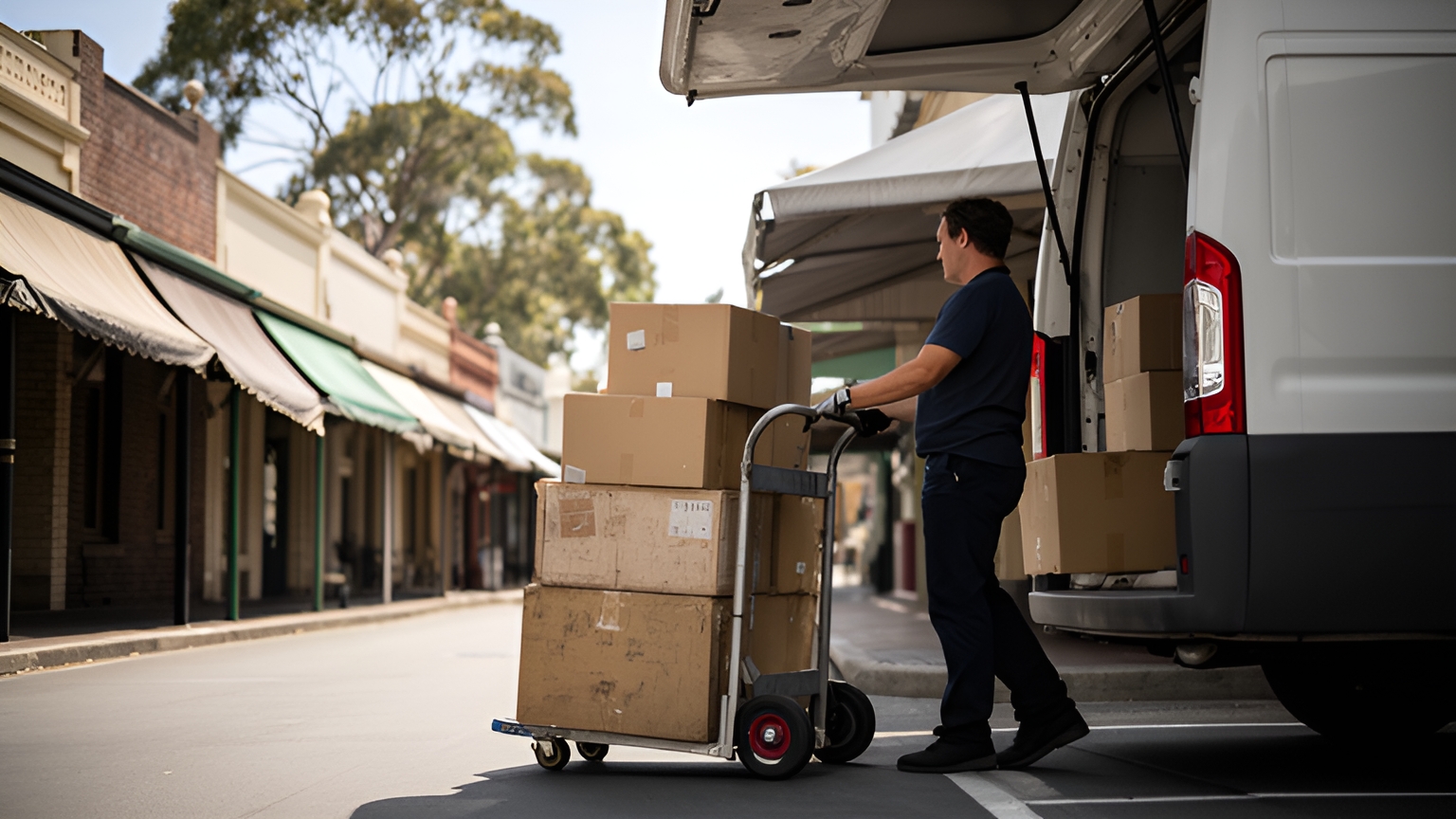
Then there's the kerb. Transport for NSW describes kerbside access for freight and servicing as "highly contested" between freight and servicing drivers and other uses of the street.
So build in time to reach a loading zone and walk the last stretch on dense inner-city streets. Where customers' windows allow, putting shopping-strip and CBD drops into quieter parts of the day makes each stop calmer.
Locate2u builds routes around each order's time window and can group orders by the delivery window the customer picked at checkout. Customers can then receive a real-time tracking link, so they know when to expect the driver without needing to call.
How re-planning mid-shift keeps same-day jobs flowing
Some businesses run the same stops every day. A fixed route suits them well: drivers know the run and customers know the time.
Others take orders right up to and after the vans leave. For them, the plan built before dispatch is a starting point, not the final word.
Many operators run both. Regular trade customers stay on a fixed run, while home orders and one-off jobs are optimised each day around them.
Re-planning mid-shift means adding a new job to the best-placed run without rebuilding everything else. The software weighs where each vehicle is, what's left on its list and which customers' windows still have room.
In Locate2u, new jobs can be slotted into existing routes during the day without disrupting other deliveries. Dispatch planning and a live view of every vehicle let the team spot a run that's behind schedule and move a later job to another vehicle.
Keep customers in the loop when times shift. Automated notifications keep recipients informed about their delivery status, so a revised arrival time reaches them early.
Some days bring more same-day work than your own fleet can take on. Our sister brand Zoom2u, an on-demand courier and delivery marketplace in Australia, can take overflow and same-day jobs so your drivers stay on their planned runs.
A good test: pick a recent busy day, build the plan with only the orders you had at dispatch, then add the late ones in the order they arrived. Watch how each insertion changes the runs.
How vehicle, depot and shift details shape metro and regional runs
A run that suits a small van may not suit a truck with a crane. And a run that works on a mild morning may need a different shape on a hot summer afternoon.
Start with the vehicles. Payload, load space, height for basement car parks and refrigeration for chilled goods all decide which vehicle can take which job. Locate2u's routing engine accounts for vehicle types, driver availability and geographic constraints, so jobs can be matched to the vehicles suited to them.
Then the depots. Some runs start and finish at the same yard, some need a reload mid-shift, and some businesses run metro work from one site and regional work from another. Set each run's start point, end point and any return-to-depot stop before you optimise.
Regional runs bring long legs between towns and fewer stops per hour. Plan refuelling into those runs, keeping the higher regional diesel price from the ACCC figures above in mind, and check the whole run fits inside the driver's shift.
Heat deserves its own planning. On hot days, earlier starts, heavier lifting in the cooler hours and regular breaks in the shade help drivers finish the day feeling good.
For trucks and other heavy vehicles, check the current access and driver requirements with the National Heavy Vehicle Regulator and your state transport department.
Questions to ask when you test route planning on your own deliveries
A demonstration on sample data shows what software can do. A test on your own deliveries shows what it will do for your team.
Plan for the volume ahead, not just this week's. The Australian Logistics Council expects Australia's urban freight task alone to grow by sixty per cent by 2040, so load a test day with more stops than your current busiest and see how the plan holds up.
Work through these questions with a real week of orders:
| Question to ask | How to test it |
|---|---|
| Can our orders come in cleanly? | Import last week's orders by CSV or from your store, then count the addresses that need a manual fix. |
| Does the plan respect our windows and shift times? | Check every stop against its window and every run against its driver's finish time. |
| How does it handle jobs added mid-shift? | Add a handful of late orders to a running plan and note what moves. |
| Can it plan metro and regional runs on the same day? | Build one day that mixes both, using your real depots and vehicles. |
| Does each job reach a suitable vehicle? | Tag a bulky or chilled order and confirm it lands on the right vehicle. |
| What do drivers see? | Ask a driver to run a test route on the app and share what helped most. |
| What does the customer receive? | Send a test order to your own address and follow the notifications and tracking link. |
| What record does each delivery leave? | Check the proof of delivery photo, signature and timestamp, and how quickly the team can find it later. |
Finish by comparing the software's plan with the routes your drivers actually ran. The difference in kilometres, priced at the ACCC diesel figures above, gives a first estimate of the fuel saving for your own fleet.
Keep the result alongside the drivers' feedback. A plan that saves kilometres and reads clearly on the road is the one worth rolling out.
Frequently asked questions
What do 'dispatched', 'in transit' and 'out for delivery' mean on a tracking update?
'Dispatched' usually means the order has left the sender's site, 'in transit' means it is moving between locations, and 'out for delivery' means it is on the vehicle doing the final run. Definitions vary between businesses, so set clear wording in your customer notifications so recipients know what each update means for them.
Can one route include both pickups and drop-offs?
Yes, provided the software lets you pair a pickup with its drop-off so the collection is always sequenced first on the same vehicle. Test this with a real day that mixes returns, collections and deliveries before you commit.
How quickly can a small team start planning routes in software?
Most of the setup is getting clean order data in, through a CSV upload or a sync with your online store or order system. A practical start is to re-plan last week's orders in the software and compare the plan with the routes your drivers actually ran.
Is route planning software useful for a fleet of two or three vans?
It helps most where stop counts or orders change day to day, because the plan is rebuilt in minutes rather than by hand. If your runs are identical every day, test whether live tracking and proof of delivery add more value for your customers than re-sequencing does.
The clearest way to judge delivery route planning software is on your own week: your orders, your vans, your windows and this week's diesel price. Start by seeing how Locate2u route optimisation builds runs around those details, then book a call with the Locate2u team to set up a test on your deliveries and get answers on setup and cost for your fleet.
