6 Steps to Automate Your Delivery Management Workflow From Order to Door
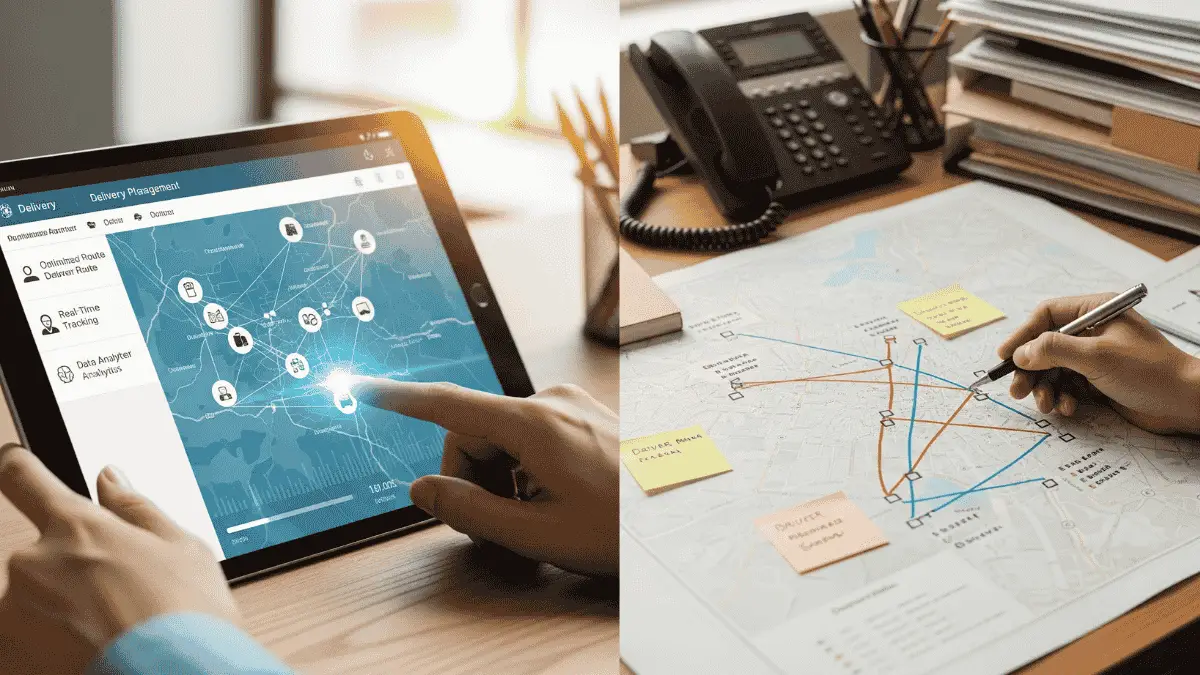
If you're still stitching together spreadsheets, emails, and phone calls to get orders out the door, hold on. Many delivery teams are still one foot in automation and one foot stuck in spreadsheets.
A bit of routing software here, and a driver app for there, but a whole lot of manual work that is keeping you up late at night.
The thing is, customers aren't slowing down to match that reality. They expect fast delivery, live tracking, and simple communication, while your delivery team is trying to hold everything together with traditional logistics and management systems.
This guide walks through how to automate your delivery management workflow end-to-end, from the second an order is placed to proof of delivery.
Why delivery automation can't wait
Online customers want deliveries faster, but also expect real-time visibility. Industry data shows that the global delivery management software market is on track to grow substantially through 2028, reflecting the increasing demand for automated logistics solutions.
Customers want live tracking when they sit at home waiting for their parcels. They want precision and visibility over their orders. Vague delivery windows and ETAs will no longer do.
Manual workflows carry a hidden overhead: every order is retyped, every route is rebuilt by hand and every status update is a phone call. That overhead grows with every extra order.
So why do you need to automate your workflow? Still using manual systems means:
- There is more admin to do yourself
- More room for human mistakes
- More customers are calling the help line to check on the status of their orders
Map your current workflow (before you automate it)
Before you plug in the software, it helps to sketch how your delivery actually runs before making any changes.
For most teams, it looks something like this:
Order capture
Orders flow in from e-commerce, phone, email, and B2B portals. Someone then cleans and standardizes the addresses one by one, checking which ones need priority and which ones have special delivery instructions.
Planning and routing
Planning routes is a guessing game without real data, as it involves predicting what the traffic or weather will do on that day. Jobs are then assigned to drivers without any clear reasoning.
Dispatch and live operations
Drivers get their runs via text, WhatsApp, or paper. If anything changes, dispatch managers then start phoning around to make changes and check for availability options.
Customer communication
Customers get a booking confirmation, but then there is just silence. How are they supposed to know when and if they can leave the house without missing their delivery?
For that reason, support teams are often overwhelmed with calls from customers when things run behind schedule.
Step 1, Automate order capture and job creation
The first win is stopping data from being re-keyed five times. Eliminating human error is crucial, as it sets the tone for the rest of the deliveries for the day.
What does good delivery management software do?
- Integrates with your order sources (e-commerce platforms or booking forms push orders straight into your delivery management system).
- Address validation, service codes (including same-day, next-day, and VIP), and time windows are applied automatically, ensuring planners start with clean data.
Automated order capture removes the retyping step, which is where most data entry errors creep in, and shortens the time between an order arriving and the job being ready to dispatch.
Step 2, Automate planning and route optimization
Once orders flow in automatically, the next bottleneck is planning. Manually building runs is slow, and it rarely accounts for real-world constraints. See how Franz Building Supplies eliminated delivery disputes with Locate2u.
Modern route optimization tools consider the following:
- Traffic
- Time windows
- Van/truck capacity
- Drive hours
- Depot locations
- Prioritization of urgent jobs with real-time re-optimization
Automated route planning usually finds shorter sequences than a planner working by hand, which means less fuel and more stops completed per day.
Step 3, Automate dispatch, live tracking, and ETAs
The following piece is execution: getting jobs from the plan into drivers' hands and keeping everyone in the loop.
Here's what an automated dispatch layer should handle:
Driver app with live jobs: Drivers see their runs, stop orders, instructions, and navigation in one place, not across four apps.
Real-time GPS tracking: The system quietly tracks locations and status changes, so dispatch doesn't have to ring every driver.
Smart ETAs and auto-updates: AI and real-time data make ETAs more accurate, allowing them to be adjusted on the fly when traffic, weather, or extra stops interfere.
This is where customer calls asking where their orders are start to drop. Once customers can follow their delivery themselves, far fewer of them need to ring and ask "where is my order?"
Step 4, Automate customer notifications and self-service
Customers don't want to decode depot codes; they just want to know if their delivery is actually coming today. Being notified on time, in advance, or at every step is essential. It builds trust.
Your delivery management stack should be able to trigger notifications from real events, such as:
- Driver assigned
- Order picked up
- Driver nearby
- Delivered
It must use simple, human language and offer branded tracking links or portals. A significant number of parcel thefts and scams occur these days. Using branded tracking links that automatically recognize the phone number is a must.
Step 5, Automate proof of delivery and cash flow
The delivery doesn't really "end" when the van drives away. It needs to be approved, and the customer must sign off to confirm they are satisfied with the delivery.
A good delivery management platform will:
- Have Proof of Delivery (POD: photo, e-signature, or PIN)
- Log time, GPS coordinates, and notes automatically
- Trigger invoicing, settlements, or internal workflows
Digital proof of delivery also settles disputes faster than paper, because the photo, signature, time and location are attached to the job the moment it is completed.
Step 6, Automate reporting and continuous improvement
Once the workflow is digitised, you can finally get the visibility everyone keeps talking about.
Applicable automated reporting includes route performance, customer experience, and labour costs.
Route performance takes into consideration the number of deliveries that happened on time in each region. It also tracks the average number of stops per route and the distance per stop.
Customer experience metrics include the communication with the customer (satisfied or not) to get their overall feedback. They get an opportunity to rate the service or complain about something that needs to be addressed.
The cost of drivers is based on the failed deliveries and the amount it costs the company to redeliver. It also calculates the time lost to congestion or poor routing.
Key takeaways
- Manual delivery workflows carry hidden overhead that grows with every order. Automation is not a luxury; it is a competitive necessity.
- Start by mapping your current workflow before automating it. You need to understand where the bottlenecks are before you can fix them.
- Automate in order: order capture, route planning, dispatch, customer notifications, proof of delivery, and reporting. Each step builds on the previous one.
- Automated order capture removes most retyping errors. Clean data at the start means fewer problems downstream.
- Route optimization cuts total drive distance, saving fuel and increasing the number of stops completed per day.
- Businesses with automated dispatch and live tracking field far fewer customer calls about order status.
- Digital proof of delivery resolves disputes faster than paper and creates an audit trail for every delivery.
- Automated reporting turns raw delivery data into actionable insights for continuous improvement.
Related Articles
What Is Delivery Management Software?
What delivery management software is, the core features to expect, the benefits for delivery businesses, how to choose a platform and where the market is going.
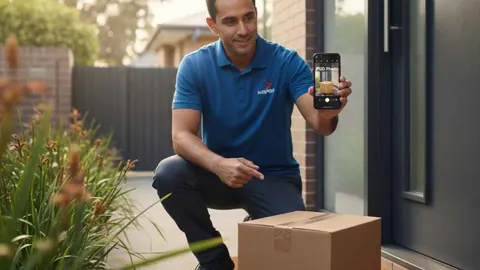
The Future of Proof of Delivery: Photos and Beyond
How proof of delivery is moving beyond paper signatures to photos, GPS timestamps and AI checks, and how to choose the right POD setup for each risk level.
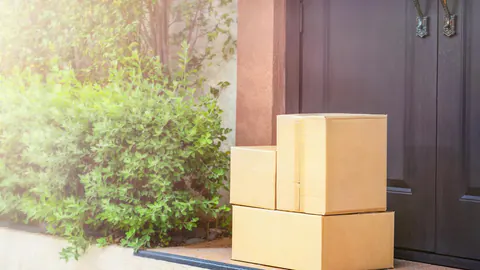
How Proof of Delivery Beats Porch Pirates
Package theft hits delivery businesses as hard as customers. How proof of delivery, live tracking, safer drop-offs and driver training cut porch piracy losses.